WorkshopArt PRO
A downloadable tool for Windows
# WorkshopArt PRO — Steam Workshop GIF Maker
**Turn any video or GIF into animated Steam profile artwork in minutes.**
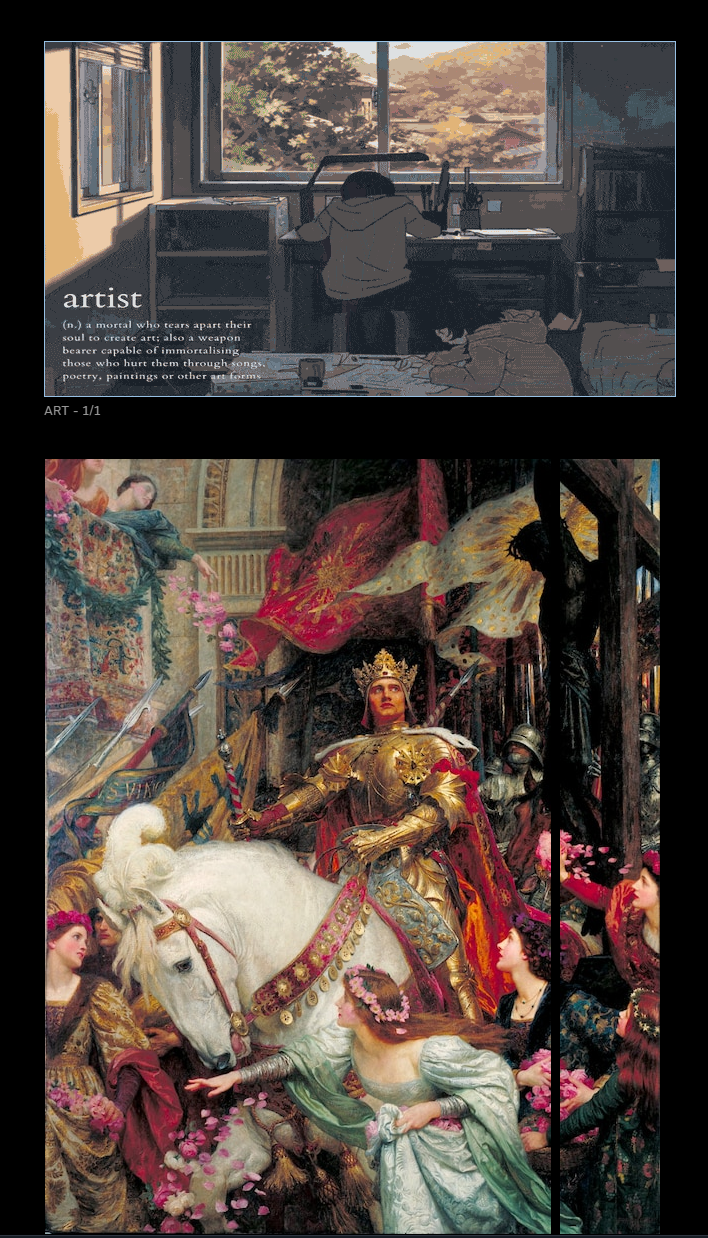
WorkshopArt PRO processes your video or GIF, upscales it with AI, fragments it to match every Steam showcase layout, and uploads it automatically — all from a single window.
---
## What it does
Steam profile showcases require very specific GIF dimensions, file sizes, and metadata. Getting this right manually takes a lot of trial and error. WorkshopArt PRO automates the entire pipeline:
1. **Load** any MP4, AVI, MOV, MKV, WEBM, or GIF
2. **Upscale with AI** — Real-ESRGAN and Real-CUGAN (2x / 3x / 4x) with smart anime/photo detection
3. **Enhance colors** — contrast and saturation sliders with live preview
4. **Fragment** — the app splits your GIF to match the exact dimensions of your chosen showcase preset
5. **Upload** — one click opens the Upload Tool, which logs into Steam and submits all fragments automatically
---
## Showcase presets included
| Preset | Parts | For |
|---|---|---|
| Featured Artwork (630×H) | 1 | Artwork Showcase, featured slot |
| Artwork single (630×354) | 1 | Artwork Showcase, 16:9 slot |
| Artwork 2-part (506+100) | 2 | Artwork Showcase, 2-column layout |
| Artwork 4-grid (245×245) | 4 | Artwork Showcase, 4-grid layout |
| Panorama (5×630×360) | 5 | Artwork Showcase, full-width panorama |
| Screenshot (638×354) | 1 | Screenshot Showcase |
| Screenshot 4-grid | 4 | Screenshot Showcase, 4-grid |
| Workshop (5×150×150) | 5 | Workshop Showcase, 5-slot |
| Workshop native (5×119×119) | 5 | Workshop Showcase, native resolution |
---
## PRO exclusive: Automatic Upload Tool
The Upload Tool opens a browser window pre-loaded with your Steam session, fills in all the required form fields, sets the correct file type and app ID for your chosen showcase, and clicks submit — for every fragment. No copying JavaScript snippets, no manual form filling.
It works by reading your existing Firefox cookies, so you just need to be logged in to Steam in Firefox. No passwords are ever stored or transmitted.
---
## Technical details
- **Zero setup** — FFmpeg, gifski, RIFE, and all AI models download automatically on first launch into a `SteamWorkshopAppData/` folder next to the exe
- **GPU accelerated** — uses Vulkan for Real-ESRGAN and Real-CUGAN (~10x faster than CPU). Falls back to CPU automatically if no Vulkan GPU is available
- **5 MB enforced** — the app checks and warns before any fragment exceeds Steam's limit
- **GIF trailer patch** — automatically applies the `0x3B → 0x21` byte fix required by Steam
- **Windows 10 / 11, 64-bit** — no Python or other runtimes required
---
## Free version
The full source code (without the Upload Tool) is available for free on GitHub:
**github.com/Mateo-Costas/Steam-Workshop-Art-Maker**
The free version includes all presets and all AI processing features. The only difference is that uploading fragments to Steam must be done manually using JavaScript console snippets (instructions included in the GitHub README).
If you prefer not to pay, the free version is completely functional — the PRO version just saves you the manual upload step.
---
## System requirements
- Windows 10 / 11 (64-bit)
- 4 GB RAM minimum, 8 GB recommended
- ~2 GB free disk space (for tools and models)
- Any Vulkan-capable GPU recommended (NVIDIA GTX/RTX, AMD RX series). CPU fallback is available but slower.
- Internet connection on first launch (for automatic tool download)
Purchase
In order to download this tool you must purchase it at or above the minimum price of 3.50€ EUR. You will get access to the following files:
Leave a comment
Log in with itch.io to leave a comment.